
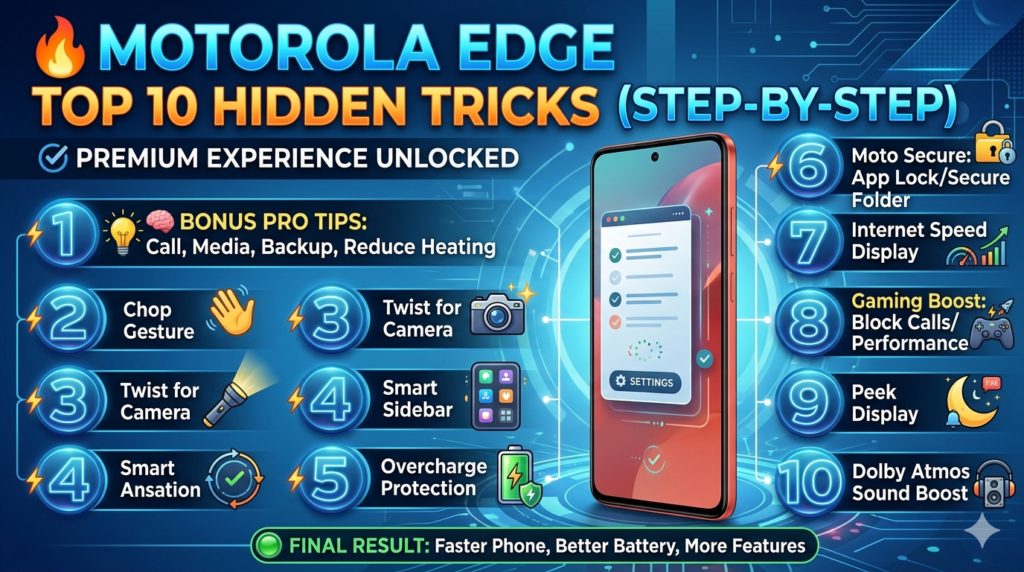
1️⃣ Make phone feel faster instantly
Go to:
Settings → About phone → Tap Build number (7 times)
Developer options →
Set:
Animation scale → 0.5x
Transition → 0.5x
Animator → 0.5x
Result: Phone feels super fast 🚀
2️⃣ Chop gesture for flashlight
Settings → Gestures → Chop twice
✔ Turn ON
Now:
Just shake phone → flashlight ON/OFF
3️⃣ 🤳 Twist for camera
Settings → Gestures → Twist
✔ Turn ON
Double twist wrist → opens camera instantly
4️⃣ 📱 Smart Sidebar (very useful)
Settings → Features → Sidebar
✔ Turn ON
Swipe from edge → quick apps access
5️⃣ 🔋 Battery protection (you asked earlier)
Settings → Battery → Overcharge protection
✔ Keep ON
Stops overcharging → battery lasts longer
6️⃣ 🔐 Lock & hide apps (Moto Secure)
Open Moto Secure app
✔ Set:
App lock
Secure folder
Hide:
Photos
Apps
7️⃣ 📶 Show internet speed
Settings → Network → Data usage
(If not visible → use Play Store app like NetSpeed Indicator)
See live speed in status bar
8️⃣ 🎮 Gaming boost
Open Games app → Gametime
✔ Enable:
Block calls
Performance boost
Smooth gaming
9️⃣ 🌙 Peek Display (Moto special)
Settings → Display → Peek Display
✔ Turn ON
Screen lights up for:
Notifications
Time
Without unlocking phone
🔟 🔊 Dolby Atmos sound boost
Settings → Sound → Dolby Atmos
✔ Set to:
Smart / Music mode
Better:
Headphones sound
Speaker clarity
🧠 BONUS PRO TIPS
🔥 Use Edge 50 Neo smartly
Use it for:
Calls
Media
Backup
🔥 Reduce heating
Avoid gaming while charging
Keep apps updated
🟢 FINAL RESULT
After these tweaks:
✔ Faster phone
✔ Better battery
✔ More features unlocked
✔ Premium experience
💬 Final advice
You bought a very underrated powerful phone
With these tricks → it becomes